externalId, usually that user’s ID in your own database. Keys linked to an identity share its metadata and its rate limits, so a customer can’t get around a limit by creating another key.
What an identity holds
string
required
Unkey’s ID,
id_.... You can use it anywhere you name an identity.string
required
Your ID, 1 to 255 characters matching
^[a-zA-Z0-9_.-]+$, unique within the workspace. You can also use it anywhere you name an identity, so you rarely need to store id.object
JSON with at most 100 top-level properties and at most 1 MB. Returned as
identity.meta when any of the identity’s keys is verified.object[]
Up to 50 named limits, each with
id, name, limit, duration, and autoApply, shared by every key of the identity. See Shared rate limits across keys.Create an identity by issuing a key
The easiest way to create an identity is to passexternalId when you create a key (with keys.createKey or keys.migrateKeys). Unkey creates the identity if it doesn’t exist and links the key. Most apps never call identities.createIdentity. Call it when you want metadata or shared limits in place before the first key exists, or when you manage identities from somewhere that doesn’t issue keys, such as a billing webhook.
externalId on keys.updateKey. Send null to unlink it.
You need a root key with the permissions listed on this page. Create one in the dashboard under Settings > Root Keys, and pass it as
Authorization: Bearer <root key>. See Permission reference for every permission.identity.*.create_identity, identity.*.read_identity, identity.*.update_identity, or identity.*.delete_identity for those calls.
Create an identity
string
required
1 to 255 characters,
^[a-zA-Z0-9_.-]+$. A second identity with the same externalId fails with HTTP 409 err:unkey:data:identity_already_exists.object
At most 100 top-level properties, and at most 1 MB once serialized to JSON. A larger object is rejected with HTTP 400
err:unkey:application:invalid_input.object[]
Up to 50 limits, each with a unique
name. Every entry needs name (3 to 128 characters), limit (1 or more), duration in milliseconds (1000 or more), and autoApply (required).identityId.
Find identities
identities.getIdentity takes identity (the id or externalId) and returns the fields above. An unknown value returns HTTP 404 err:unkey:data:identity_not_found.
identities.listIdentities takes limit (1 to 100, default 100), cursor, and an optional search. Search matches any part of the id or externalId, ignoring case. The response has data and pagination.
Update an identity
identities.updateIdentity takes identity (id or externalId) plus any of:
object
Replaces all metadata. Omit it to keep the current metadata, or send
{} to clear it. The same 100-property and 1 MB limits apply.object[]
Replaces the whole list. Limits you leave out are deleted, matching names are updated, and new names are added. The same bounds as create apply. A repeated name fails with HTTP 400
err:unkey:application:invalid_input. Leave it out to keep the current limits.externalId. Create a new identity and move the keys with keys.updateKey instead.
Delete an identity
identities.deleteIdentity takes identity (id or externalId). The keys aren’t deleted, but they stop returning identity on verification and stop sharing its rate limits. You can reuse the externalId for a new identity.
From the dashboard
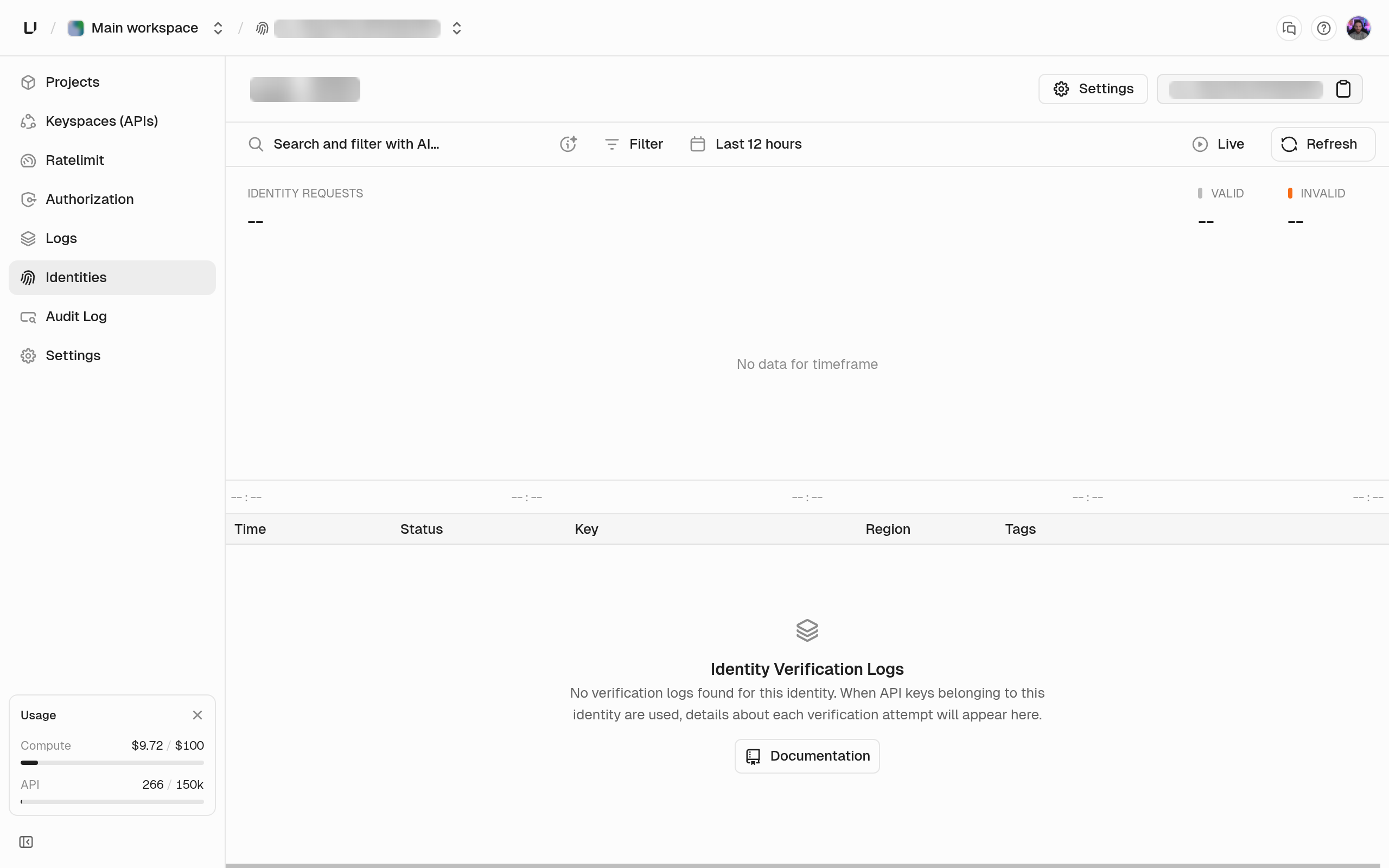
Open Identities in the sidebar to search, create, edit, or delete identities. Each identity’s page shows the verification history of all its keys together.