You need a root key with the permissions listed on this page. Create one in the dashboard under Settings > Root Keys, and pass it as
Authorization: Bearer <root key>. See Permission reference for every permission.rbac.* permission: create_permission, read_permission, delete_permission, create_role, read_role, delete_role, and add_permission_to_role together with remove_permission_from_role for permissions.setRolePermissions.
Permissions
string
required
1 to 512 characters. A readable label shown in the dashboard.
string
required
1 to 128 characters matching
^[a-zA-Z0-9_:\-\.\*]+$, unique within the workspace. This is the string keys hold and queries check. documents.read and billing:write are both fine. An asterisk is allowed but is a literal character, not a wildcard. See Permission queries.string
Up to 512 characters of internal documentation.
permissionId (perm_...). A duplicate slug fails with HTTP 409 err:unkey:data:permission_already_exists.
permissions.getPermissiontakes the ID or slug.permissions.listPermissionstakeslimit(1 to 100, default 100),cursor(up to 1024 characters), andsearch(up to 256 characters, matched against ID, name, slug, or description, ignoring case).permissions.deletePermissiondeletes the permission and removes it from every role and key.
Roles
string
required
1 to 128 characters, unique within the workspace. Keys refer to roles by name. Spaces are allowed.
string
Up to 512 characters.
string[]
Permission slugs to attach. Slugs that don’t exist yet are created if the root key also has
rbac.*.create_permission. Without it, an unknown slug fails with HTTP 403 err:unkey:authorization:insufficient_permissions. Leave it out or send [] for an empty role.roleId (role_...). A duplicate name fails with HTTP 409 err:unkey:data:role_already_exists. permissions.getRole and permissions.listRoles return roles with their permissions. permissions.deleteRole deletes the role, and keys lose its permissions unless they get them another way.
Change a role’s permissions
permissions.setRolePermissions takes role (ID or name) and the full list of slugs. Anything not in the list is removed, and [] empties the role. (The older roleId field still works but is deprecated. Send one or the other.) New slugs are created under the same rule as createRole. Every key with the role picks up the change within about 10 seconds, and a few verifications just after that can still see the old permissions. Verifying keys describes the timing.
Designing the set
- Name permissions after actions, not customers:
invoices.read,invoices.write,invoices.void. - Name roles the way you talk to customers:
viewer,editor,admin, or plan names. - Attach roles to keys, and save direct permissions for one-off grants. Then changing what “editor” means is one
setRolePermissionscall, not an update to every key. - Use a role for “everything under documents”. An asterisk isn’t a wildcard, so list each
documents.*permission in the role.
From the dashboard
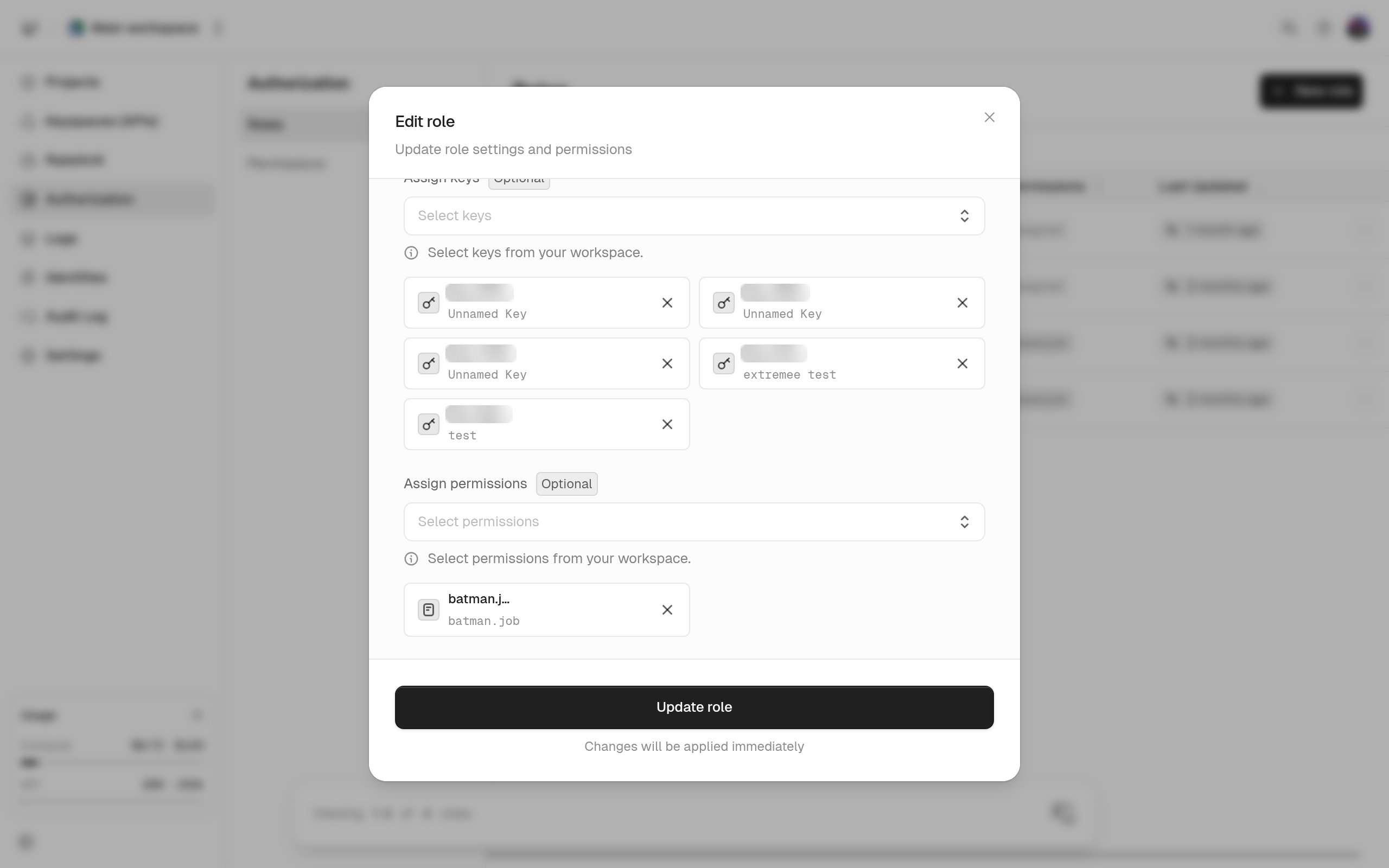
Open Authorization in the sidebar. On the Permissions tab, create and edit permissions. On the Roles tab, create and edit roles, pick their permissions (or create new ones), and assign the role to keys.