

Every workspace starts on the Free plan for the API, with no Compute plan. Billing is per workspace: a payment method, subscription, or usage in one workspace does not affect another.
Where to manage billing
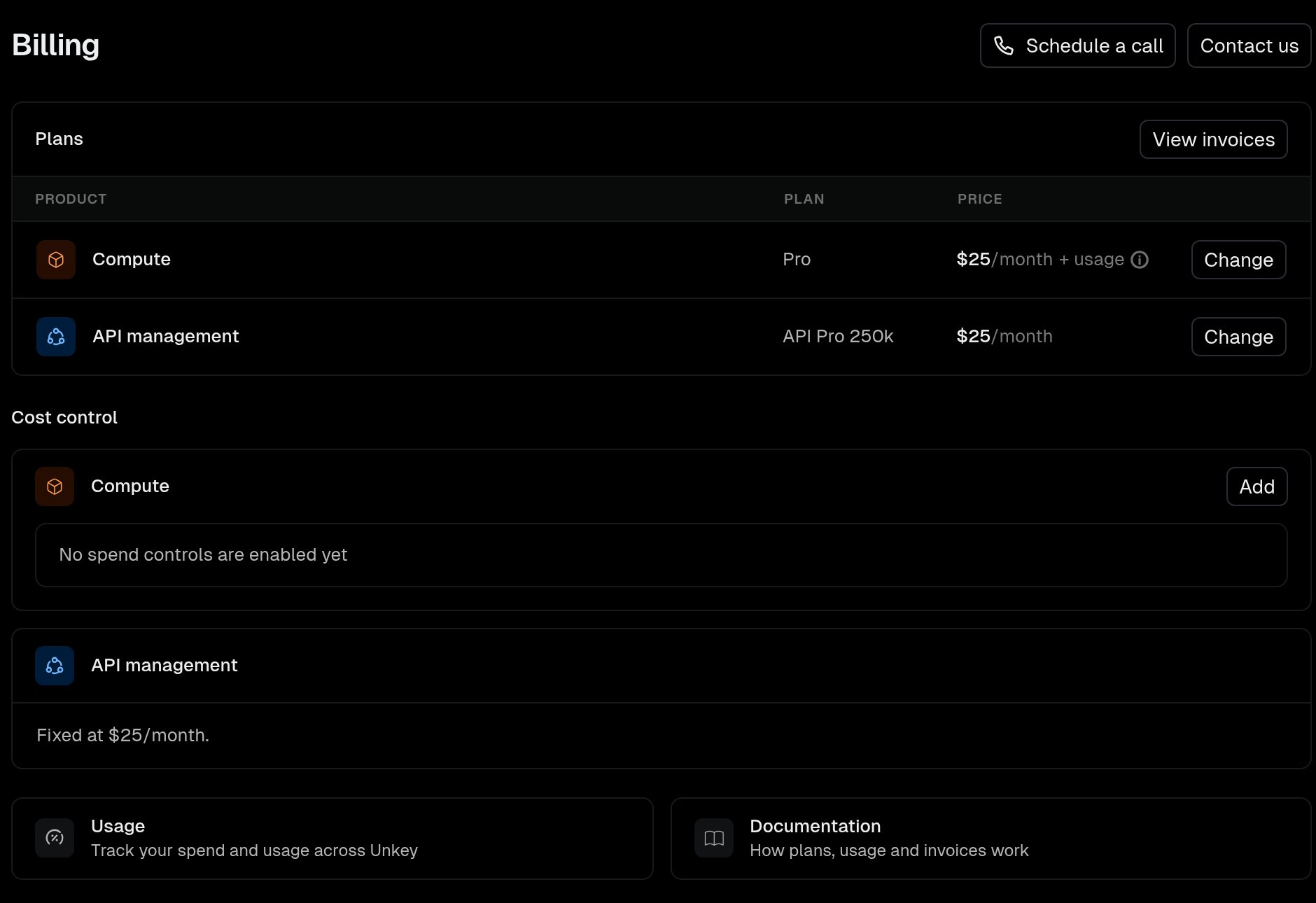
Everything lives under Settings > Billing in the dashboard. Only workspace admins can change plans, payment methods, or budgets. The Plans table has one row per product with the current plan, its price, and a button to choose or change the plan. Month-to-date usage lives on Settings > Usage.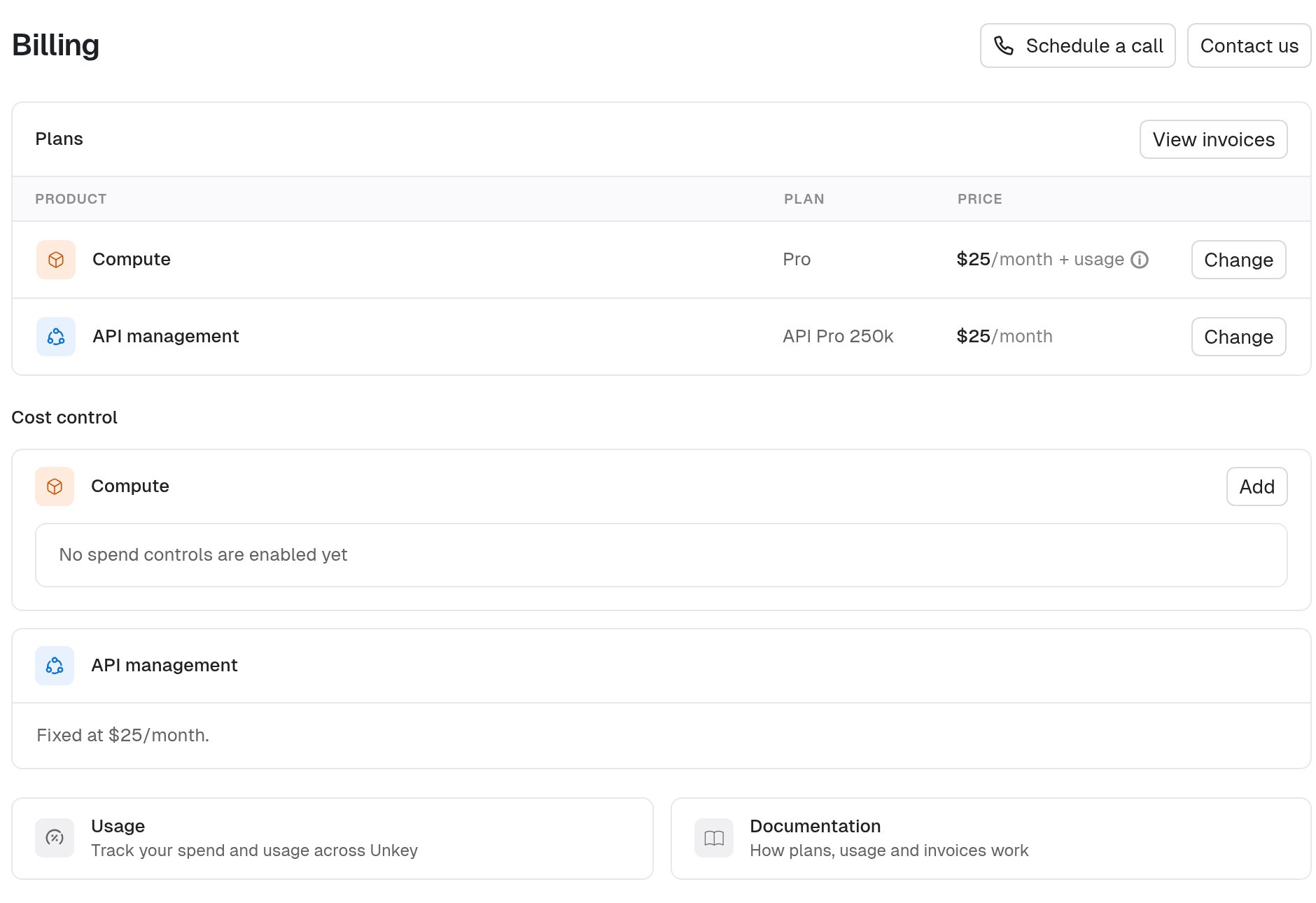
Add a payment method
You must add a payment method before you subscribe to any paid plan. Until then the plan buttons are disabled.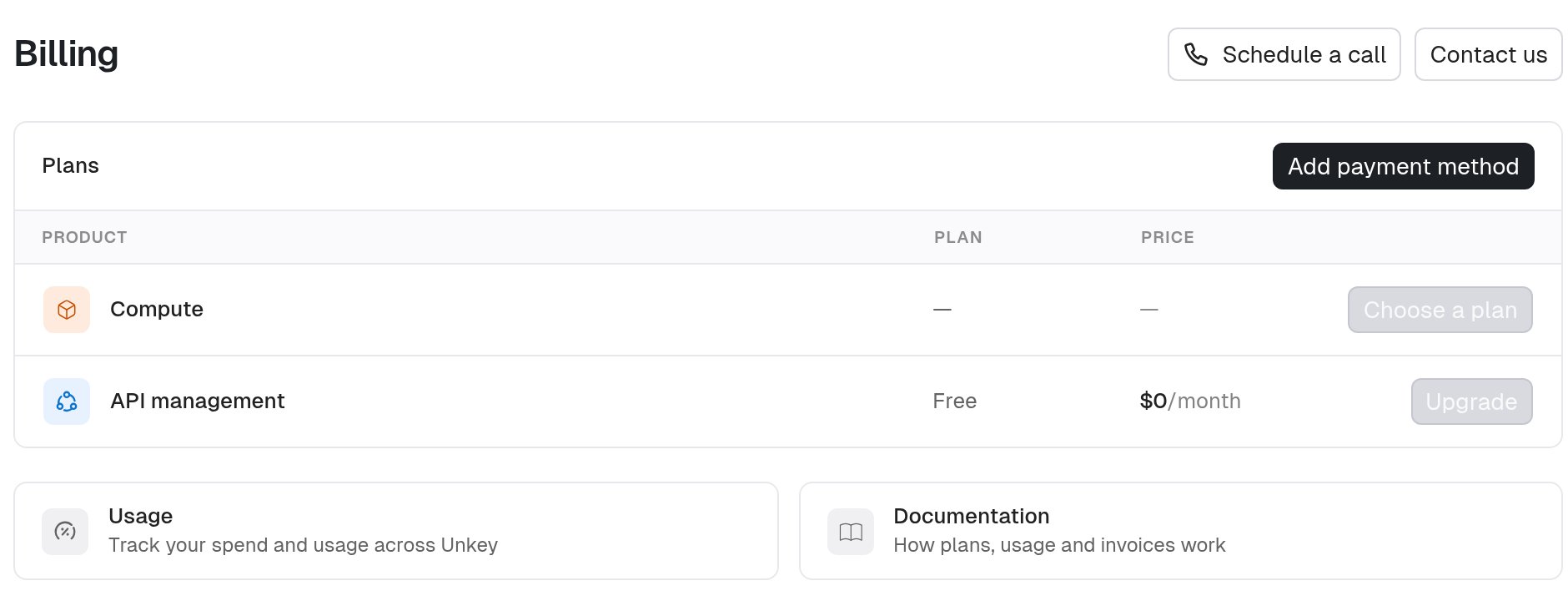
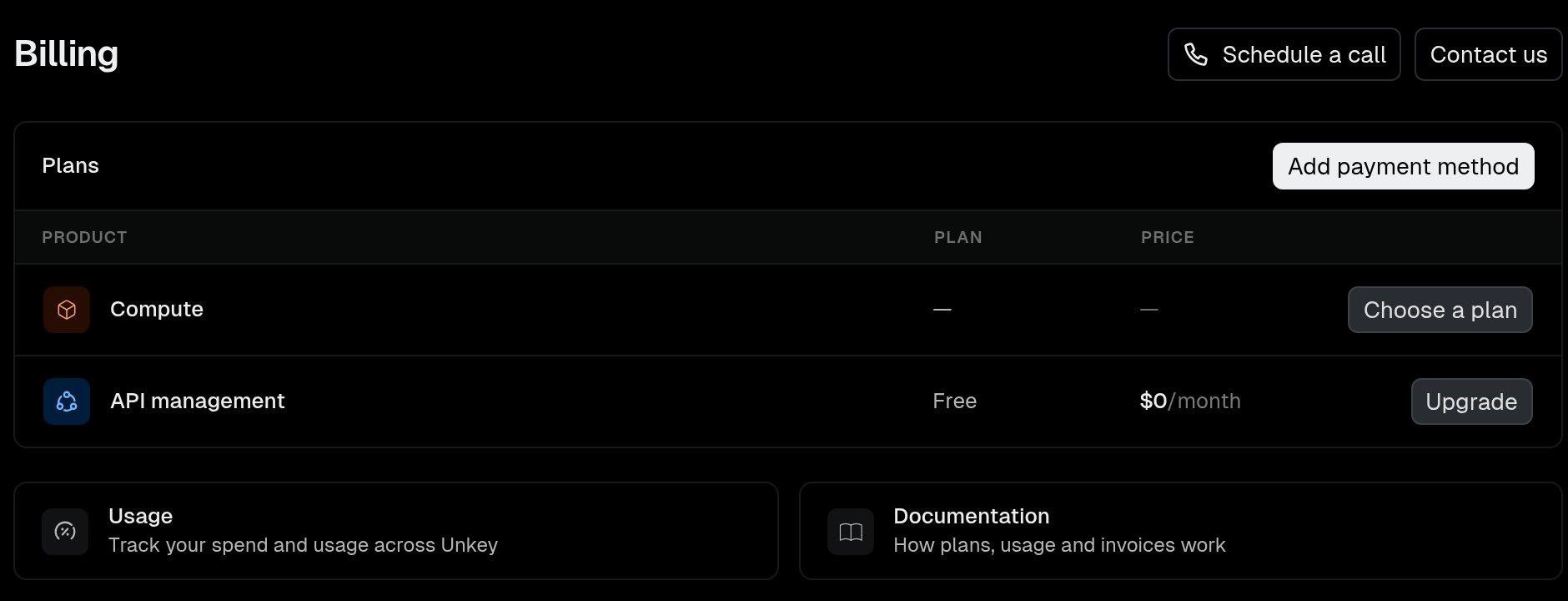
- Navigate to Settings > Billing.
- Click Add payment method.
- Complete the Stripe form with your card details and billing address.
Invoices and receipts
Unkey uses Stripe for payment. The Stripe billing portal holds your invoices, payment methods, and billing contact.- Navigate to Settings > Billing.
- Click View invoices.