> ## Documentation Index
> Fetch the complete documentation index at: https://unkey.com/docs/llms.txt
> Use this file to discover all available pages before exploring further.
# Billing overview
> How Unkey bills a workspace: two products, two subscriptions, two invoices. Learn what each product charges for and where to manage payment.
Unkey bills two products separately. Each has its own subscription, its own invoice, and its own pricing model. You can use one without the other.
| Product | What you pay for | Details |
| ------- | -------------------------------------------------------- | ------------------------------------------------------- |
| API | A flat monthly fee for a request quota | [API plan billing](/docs/platform/workspaces/billing/api) |
| Compute | A monthly plan fee plus usage above the included credits | [Compute billing](/docs/platform/workspaces/billing/compute) |
Every workspace starts on the Free plan for the API, with no Compute plan. Billing is per workspace: a payment method, subscription, or usage in one workspace does not affect another.
Visit [unkey.com/pricing](https://unkey.com/pricing) for current prices and plan limits.
## Where to manage billing
Everything lives under **Settings > Billing** in the dashboard. Only workspace admins can change plans, payment methods, or budgets.
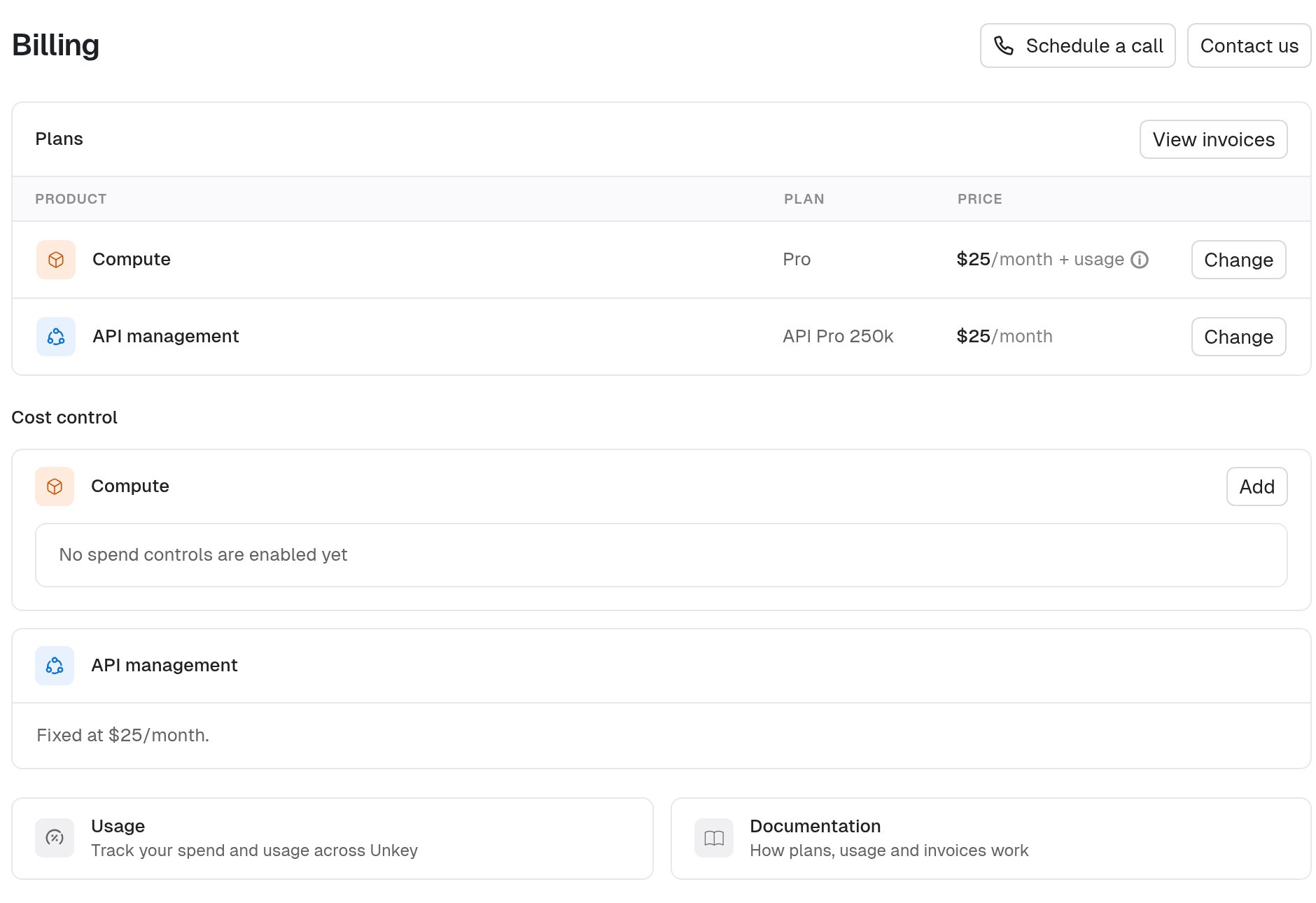
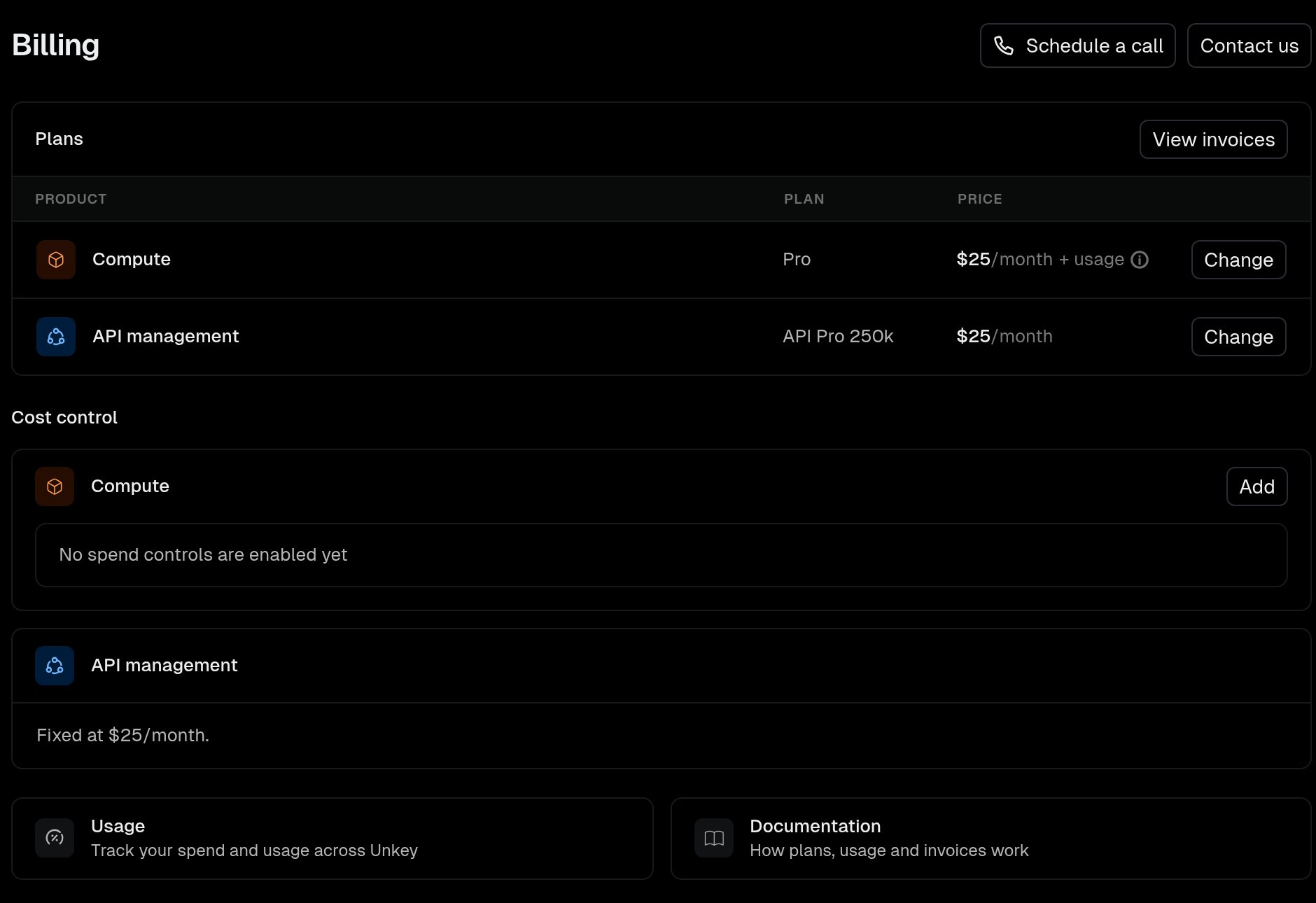
The **Plans** table has one row per product with the current plan, its price, and a button to choose or change the plan. Month-to-date usage lives on **Settings > Usage**.
 ## Add a payment method
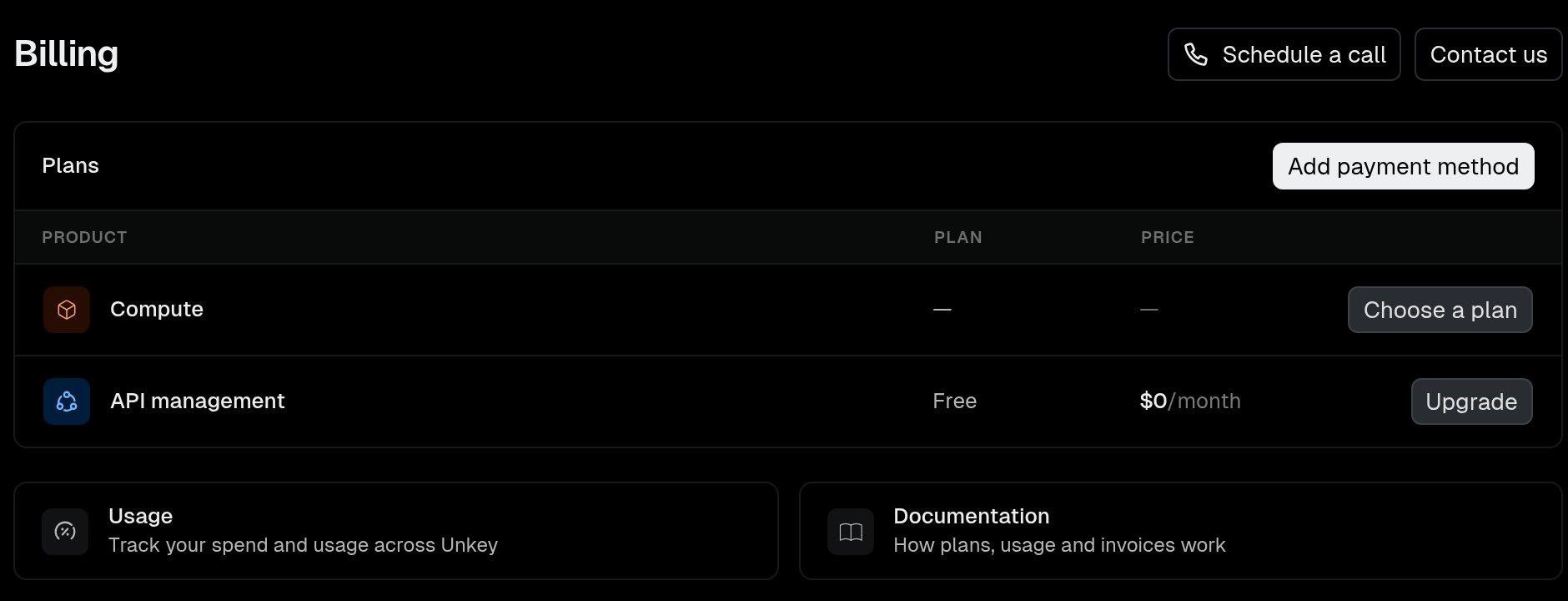
You must add a payment method before you subscribe to any paid plan. Until then the plan buttons are disabled.
## Add a payment method
You must add a payment method before you subscribe to any paid plan. Until then the plan buttons are disabled.
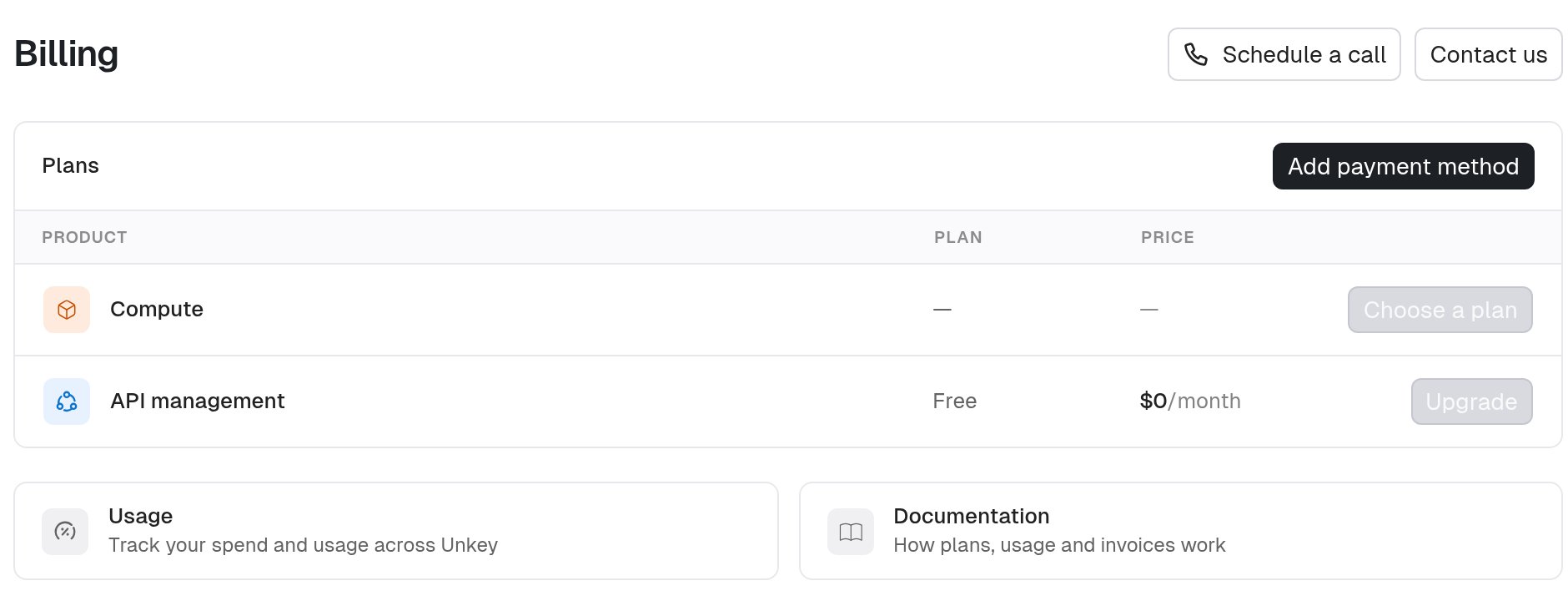
 1. Navigate to **Settings > Billing**.
2. Click **Add payment method**.
3. Complete the Stripe form with your card details and billing address.
After saving, you return to the billing page and can choose an API or Compute plan.
## Invoices and receipts
Unkey uses Stripe for payment. The Stripe billing portal holds your invoices, payment methods, and billing contact.
1. Navigate to **Settings > Billing**.
2. Click **View invoices**.
From the portal you can download past invoices, replace your card, and update your billing address or tax details.
## Cost control
Compute usage is metered, so the bill can grow with load. Set a [spend budget](/docs/platform/workspaces/billing/spend-budget) to get alerts at 50%, 75%, and 100% of a monthly amount, and optionally stop workloads when you reach it.
API plans have no usage charges. Going past your request quota triggers an email, never a bill.
1. Navigate to **Settings > Billing**.
2. Click **Add payment method**.
3. Complete the Stripe form with your card details and billing address.
After saving, you return to the billing page and can choose an API or Compute plan.
## Invoices and receipts
Unkey uses Stripe for payment. The Stripe billing portal holds your invoices, payment methods, and billing contact.
1. Navigate to **Settings > Billing**.
2. Click **View invoices**.
From the portal you can download past invoices, replace your card, and update your billing address or tax details.
## Cost control
Compute usage is metered, so the bill can grow with load. Set a [spend budget](/docs/platform/workspaces/billing/spend-budget) to get alerts at 50%, 75%, and 100% of a monthly amount, and optionally stop workloads when you reach it.
API plans have no usage charges. Going past your request quota triggers an email, never a bill.