> ## Documentation Index
> Fetch the complete documentation index at: https://unkey.com/docs/llms.txt
> Use this file to discover all available pages before exploring further.
# API plan billing
> How Unkey bills the API: a flat monthly fee for a request quota, what counts as a request, what happens over quota, and how upgrades, downgrades, and cancellation work.
An API plan is a flat monthly fee that buys a monthly request quota. There is no usage charge. If you go over the quota, Unkey emails you and keeps serving requests.
## Plans
Every workspace starts on the Free plan. Paid plans raise the request quota and unlock longer log retention and [team members](/docs/platform/workspaces/team-members).
| Plan | Price | Requests per month |
| ---------- | ---------- | ------------------ |
| Free | \$0 | 150,000 |
| Pro 250k | \$25 | 250,000 |
| Pro 500k | \$50 | 500,000 |
| Pro 1M | \$75 | 1,000,000 |
| Pro 2M | \$100 | 2,000,000 |
| Pro 10M | \$250 | 10,000,000 |
| Pro 50M | \$500 | 50,000,000 |
| Pro 100M | \$1,000 | 100,000,000 |
| Enterprise | Contact us | Custom |
See [Limits](/docs/platform/workspaces/quotas) for retention periods and other plan limits. For quotas beyond the listed plans, contact [support@unkey.com](mailto:support@unkey.com).
Visit [unkey.com/pricing](https://unkey.com/pricing) for current prices.
## What counts as a request
A request is a valid key verification or a rate limit check. Failed verifications, such as a key that doesn't exist, don't count. Management API calls, such as creating a key, don't count either.
The count resets on the first of each calendar month. The billing page and the sidebar show it as a percentage of your quota.
## Over the quota
Requests are never blocked. When your workspace reaches its quota, Unkey emails the workspace admins and asks you to upgrade. If usage stays over the quota, the reminder repeats about once a week.
## Choose or change a plan
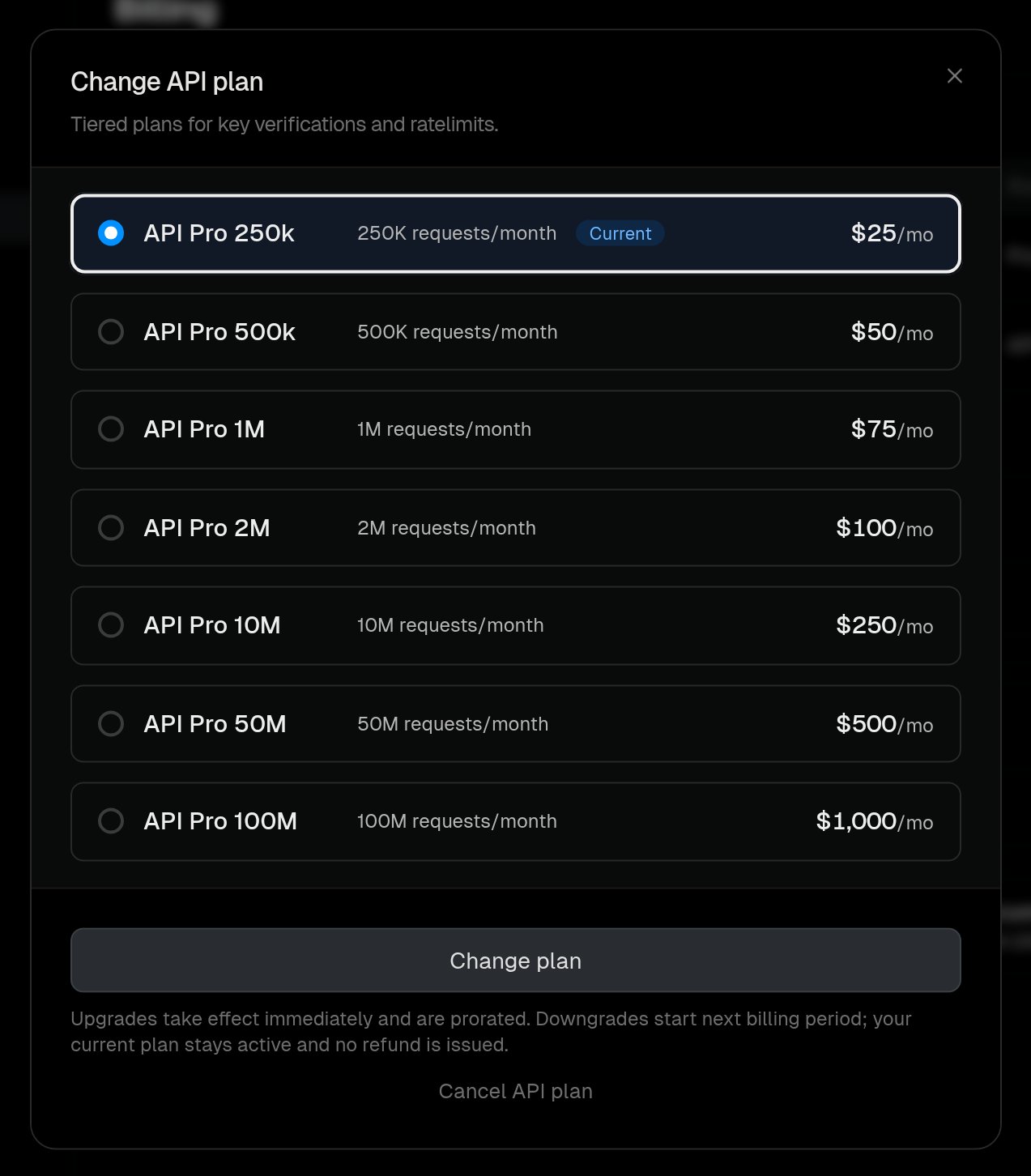
Upgrades apply at once. Downgrades wait for the next billing period.
1. Navigate to **Settings > Billing**.
2. On the **API management** row, click **Upgrade** or **Change**.
3. Select a plan and confirm.
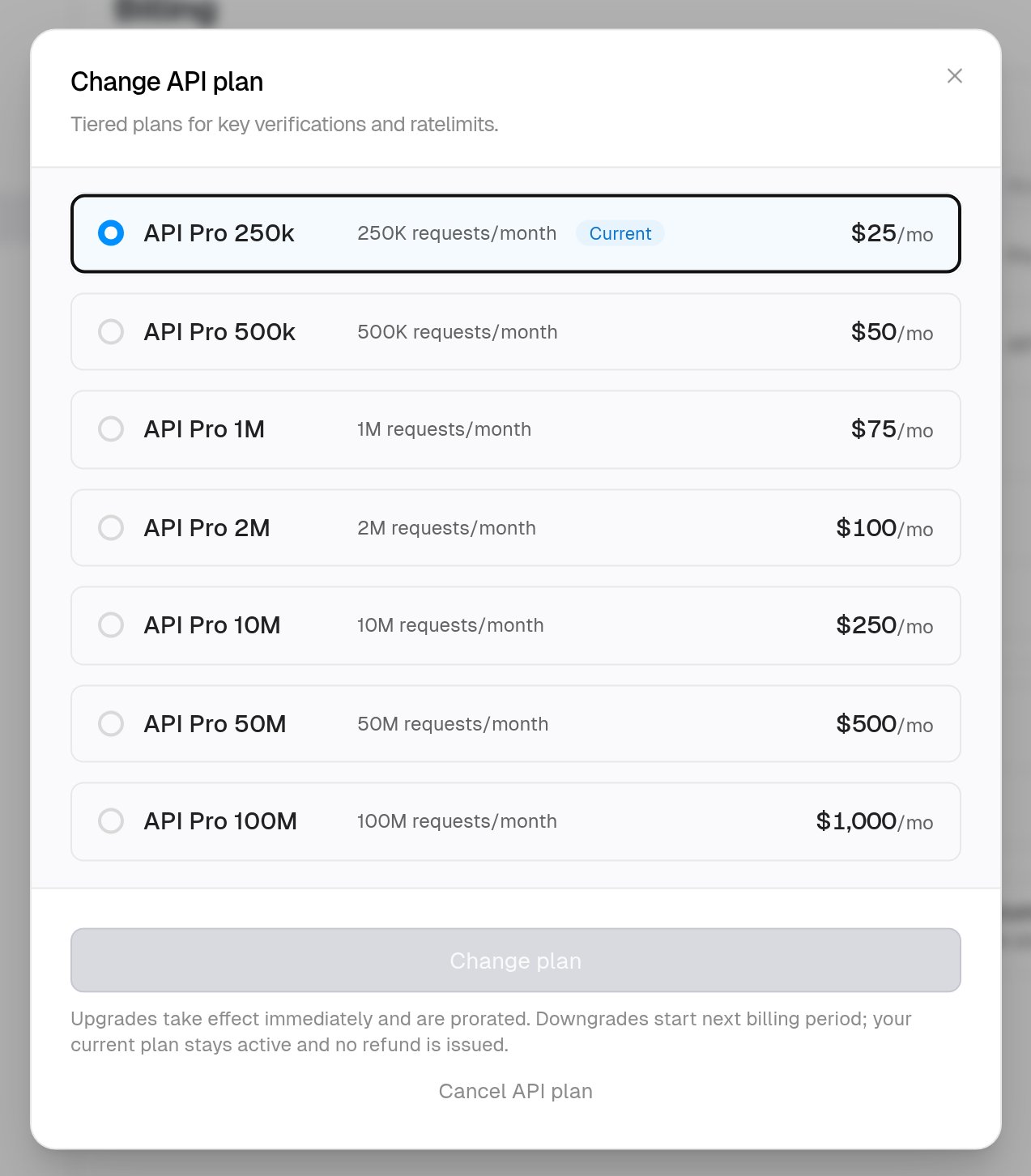
 | Change | When it applies | What you pay |
| --------- | ------------------- | ---------------------------------------------------------------------------- |
| Upgrade | Immediately | The prorated difference for the rest of the current period, charged now |
| Downgrade | Next billing period | Nothing extra. The current plan stays active until then. No refund is issued |
## Cancel
Cancelling returns the workspace to the Free plan at the end of the current billing period.
1. Navigate to **Settings > Billing**.
2. On the **API management** row, click **Change**, then **Cancel API plan** and confirm.
Until the period ends, the workspace keeps its paid quota and limits. After that, [Free plan limits](/docs/platform/workspaces/quotas) apply. If the Free plan doesn't allow something you use, such as team members, that feature stops working.
If you cancel by mistake, click **Resubscribe** in the cancellation notice at the top of the billing page before the period ends.
| Change | When it applies | What you pay |
| --------- | ------------------- | ---------------------------------------------------------------------------- |
| Upgrade | Immediately | The prorated difference for the rest of the current period, charged now |
| Downgrade | Next billing period | Nothing extra. The current plan stays active until then. No refund is issued |
## Cancel
Cancelling returns the workspace to the Free plan at the end of the current billing period.
1. Navigate to **Settings > Billing**.
2. On the **API management** row, click **Change**, then **Cancel API plan** and confirm.
Until the period ends, the workspace keeps its paid quota and limits. After that, [Free plan limits](/docs/platform/workspaces/quotas) apply. If the Free plan doesn't allow something you use, such as team members, that feature stops working.
If you cancel by mistake, click **Resubscribe** in the cancellation notice at the top of the billing page before the period ends.