> ## Documentation Index
> Fetch the complete documentation index at: https://unkey.com/docs/llms.txt
> Use this file to discover all available pages before exploring further.
> ## Agent Instructions
> Unkey is two separate products. Compute builds, deploys, and runs apps behind a gateway. API Management issues API keys, enforces rate limits, manages identities and permissions, and reports usage. Say which product a page belongs to; a reader can use either without the other.
> Every Unkey API endpoint is an HTTP POST to https://api.unkey.com/v2/{service}.{procedure} with a root key in the Authorization: Bearer header. Root keys are workspace scoped.
> Error codes have the form err:{system}:{category}:{specific} and each has a page at /errors/{system}/{category}/{specific}.
> The word environment means production or preview in Compute. Rate limiting has four meanings on this site; the glossary lists them.
# Identities
> Tie a user's keys together so they share metadata and rate limits.
An identity is a user, organization, or service account in your system that owns one or more keys. You name it with an `externalId`, usually that user's ID in your own database. Keys linked to an identity share its metadata and its rate limits, so a customer can't get around a limit by creating another key.
## What an identity holds
Unkey's ID, `id_...`. You can use it anywhere you name an identity.
Your ID, 1 to 255 characters matching `^[a-zA-Z0-9_.-]+$`, unique within the workspace. You can also use it anywhere you name an identity, so you rarely need to store `id`.
JSON with at most 100 top-level properties and at most 1 MB. Returned as `identity.meta` when any of the identity's keys is verified.
Up to 50 named limits, each with `id`, `name`, `limit`, `duration`, and `autoApply`, shared by every key of the identity. See [Shared rate limits across keys](/docs/api-management/identities/shared-rate-limits).
## Create an identity by issuing a key
The easiest way to create an identity is to pass `externalId` when you create a key (with `keys.createKey` or `keys.migrateKeys`). Unkey creates the identity if it doesn't exist and links the key. Most apps never call `identities.createIdentity`. Call it when you want metadata or shared limits in place before the first key exists, or when you manage identities from somewhere that doesn't issue keys, such as a billing webhook.
```bash theme={"theme":"kanagawa-wave"}
curl -X POST https://api.unkey.com/v2/keys.createKey \
-H "Authorization: Bearer $UNKEY_ROOT_KEY" \
-H "Content-Type: application/json" \
-d '{ "apiId": "api_...", "externalId": "user_123" }'
```
Verifying that key now returns the identity:
```json theme={"theme":"kanagawa-wave"}
{
"meta": { "requestId": "req_..." },
"data": {
"valid": true,
"code": "VALID",
"keyId": "key_...",
"identity": { "id": "id_...", "externalId": "user_123", "meta": {} }
}
}
```
To move a key to another identity, set `externalId` on `keys.updateKey`. Send `null` to unlink it.
You need a root key with the permissions listed on this page. Create one in the dashboard under **Settings > Root Keys**, and pass it as `Authorization: Bearer `. See [Permission reference](/docs/platform/root-keys/permissions-legacy) for every permission.
You need `identity.*.create_identity`, `identity.*.read_identity`, `identity.*.update_identity`, or `identity.*.delete_identity` for those calls.
## Create an identity
1 to 255 characters, `^[a-zA-Z0-9_.-]+$`. A second identity with the same `externalId` fails with HTTP 409 [`err:unkey:data:identity_already_exists`](/docs/errors/unkey/data/identity_already_exists).
At most 100 top-level properties, and at most 1 MB once serialized to JSON. A larger object is rejected with HTTP 400 [`err:unkey:application:invalid_input`](/docs/errors/unkey/application/invalid_input).
Up to 50 limits, each with a unique `name`. Every entry needs `name` (3 to 128 characters), `limit` (1 or more), `duration` in milliseconds (1000 or more), and `autoApply` (required).
```bash theme={"theme":"kanagawa-wave"}
curl -X POST https://api.unkey.com/v2/identities.createIdentity \
-H "Authorization: Bearer $UNKEY_ROOT_KEY" \
-H "Content-Type: application/json" \
-d '{
"externalId": "org_acme",
"meta": { "plan": "enterprise", "billingEmail": "ops@acme.example" },
"ratelimits": [ { "name": "requests", "limit": 1000, "duration": 60000, "autoApply": true } ]
}'
```
The response carries `identityId`.
## Find identities
`identities.getIdentity` takes `identity` (the `id` or `externalId`) and returns the fields above. An unknown value returns HTTP 404 `err:unkey:data:identity_not_found`.
`identities.listIdentities` takes `limit` (1 to 100, default 100), `cursor`, and an optional `search`. Search matches any part of the `id` or `externalId`, ignoring case. The response has `data` and `pagination`.
## Update an identity
`identities.updateIdentity` takes `identity` (id or externalId) plus any of:
Replaces all metadata. Omit it to keep the current metadata, or send `{}` to clear it. The same 100-property and 1 MB limits apply.
Replaces the whole list. Limits you leave out are deleted, matching names are updated, and new names are added. The same bounds as create apply. A repeated name fails with HTTP 400 `err:unkey:application:invalid_input`. Leave it out to keep the current limits.
You can't rename an identity's `externalId`. Create a new identity and move the keys with `keys.updateKey` instead.
## Delete an identity
`identities.deleteIdentity` takes `identity` (id or externalId). The keys aren't deleted, but they stop returning `identity` on verification and stop sharing its rate limits. You can reuse the `externalId` for a new identity.
## From the dashboard
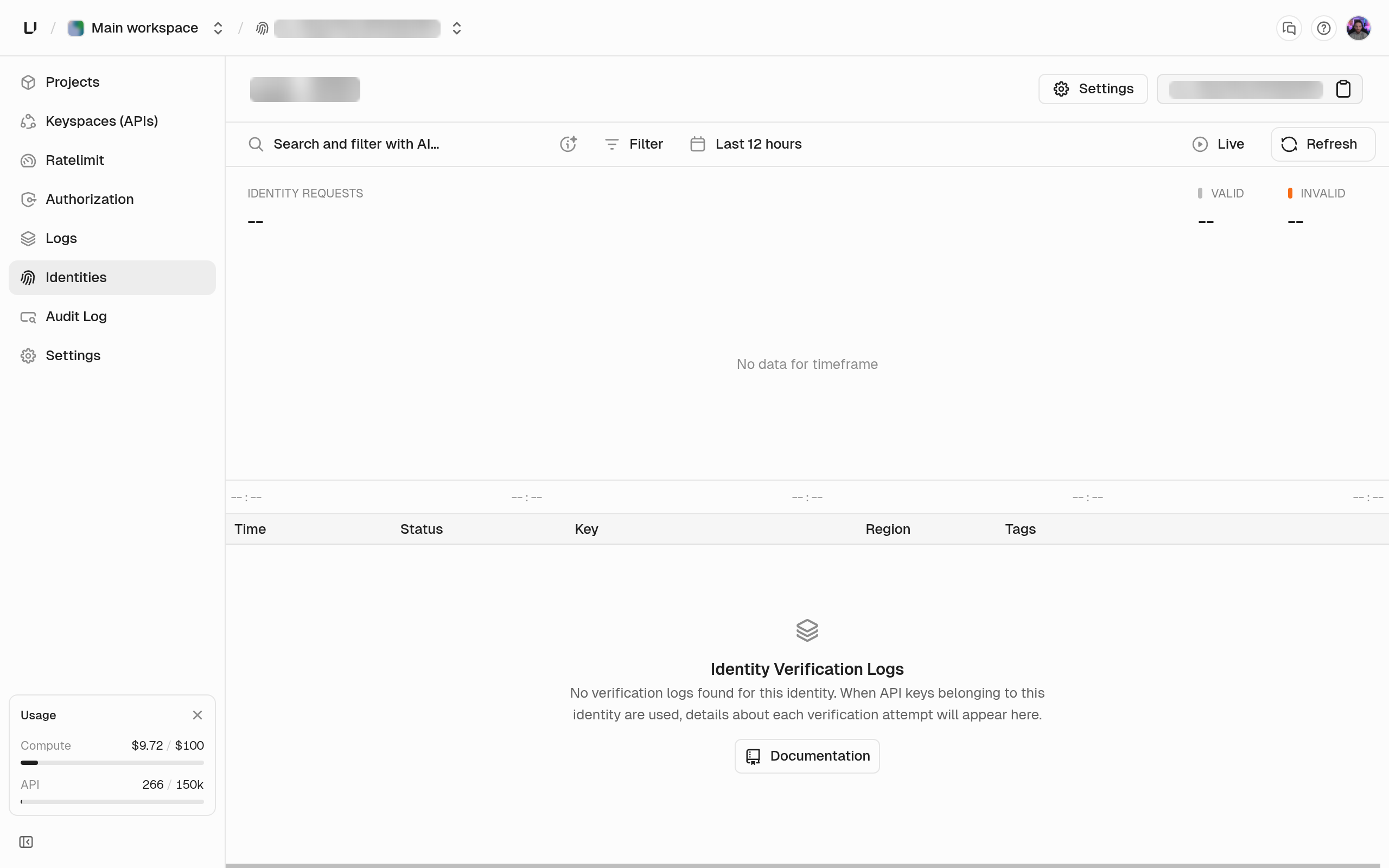
Open **Identities** in the sidebar to search, create, edit, or delete identities. Each identity's page shows the verification history of all its keys together.